
WordPress Speed Optimization
Make Your WordPress Website Faster, Smoother, and More Reliable
A slow website does more than frustrate visitors. It can reduce conversions, increase bounce rates, hurt the customer experience, and make an otherwise professional business look unreliable.
I provide WordPress speed optimization for business websites, WooCommerce stores, Elementor websites, and custom WordPress builds. I identify what is slowing your website down and fix the underlying problems not simply install another caching plugin and hope for a better score.
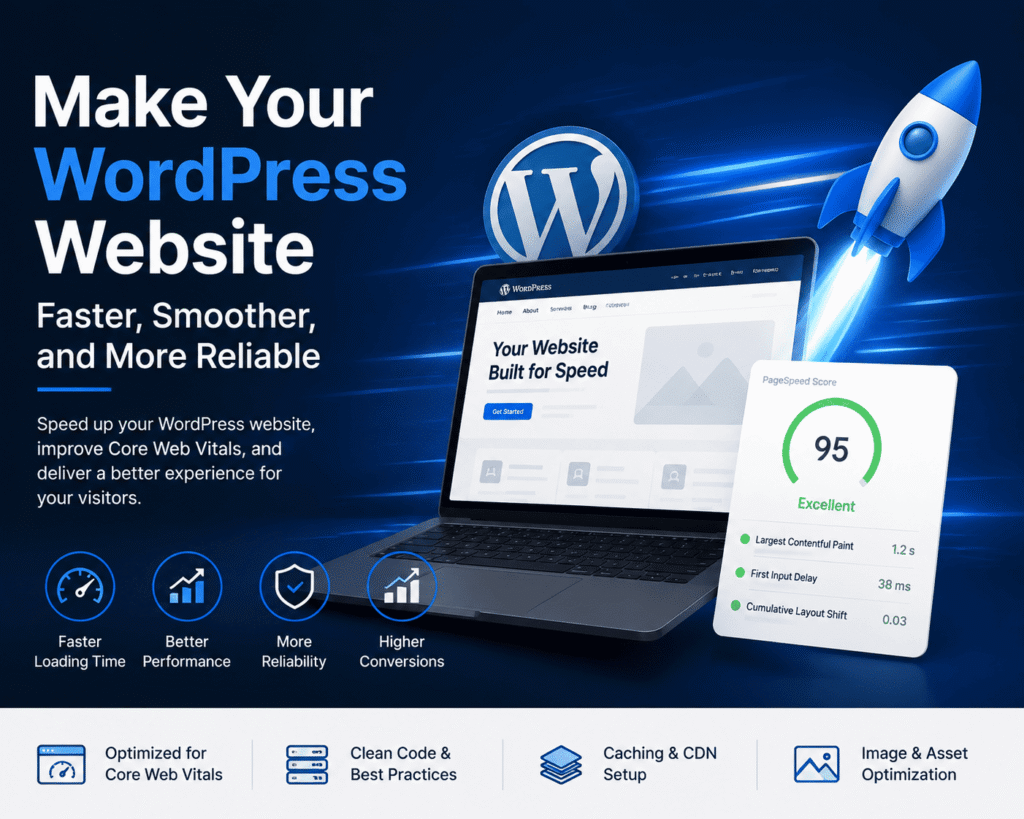
What My WordPress Speed Optimization Service Includes
I provide complete WordPress speed optimization solutions designed to improve loading times, website performance, and user experience. I analyze your website, identify performance issues, and apply targeted improvements to create a faster, smoother, and more reliable website.
Complete Performance Audit
I test your website across mobile and desktop to identify slow pages, oversized files, server delays, plugin issues, and Core Web Vitals problems.
CSS and JavaScript Optimization
Unused or unnecessary code is reduced, while non-critical scripts and styles are delayed or loaded more efficiently to improve initial page speed.
Database Optimization
Old revisions, expired transients, unnecessary database records, and other accumulated data are safely cleaned to improve backend and frontend performance.
Image Optimization
Large images are compressed, correctly resized, converted to modern formats where appropriate, and configured for efficient loading without sacrificing visible quality.
Caching and CDN Setup
Page caching, browser caching, object caching, and CDN services are configured according to your website and hosting environment.
Plugin and Theme Cleanup
I identify plugins, theme features, and third-party scripts that create unnecessary load. Where possible, I replace inefficient solutions or optimize how they operate.
Core Web Vitals
Core Web Vitals Optimization
Largest Contentful Paint (LCP)
Interaction To Next Paint (INP)
Cumulative Layout Shift (CLS)
The Nawazdev Difference
WooCommerce Speed Optimization
WooCommerce websites require more careful optimization than standard WordPress sites. Product availability, customer sessions, carts, and checkout pages contain dynamic information that should not be cached incorrectly.
- Product and category page optimization
- Cart fragment and AJAX request analysis
- Checkout performance improvements
- Database and scheduled-action cleanup
- Payment and shipping script review
- Product image optimization
- Safe caching exclusions
- Mobile shopping performance
- Plugin conflict investigation
- Hosting and server recommendations
More Than Installing a Caching Plugin
Caching plugins can improve website speed, but they are only one part of complete performance optimization. A slow website can be caused by many factors including poor hosting, heavy themes, large images, database issues, plugin conflicts, unused code, and incorrect configurations.
Simply installing multiple optimization plugins does not always solve the problem. In some cases, it can create new issues such as broken layouts, checkout errors, or conflicts between different tools.
I analyze your complete WordPress setup to identify the real causes behind performance problems. From code optimization and database improvements to plugin reviews and caching configuration, every change is implemented carefully and tested to maintain website functionality.
My Website Speed Optimization Process
I follow a structured optimization process to identify performance issues, implement the right improvements, and make sure your website becomes faster without affecting its design or functionality. Every step is carefully tested to deliver better loading speed, smoother user experience, and reliable performance.
1
Performance Audit
I test important pages using performance tools and manually inspect your WordPress dashboard, theme, plugins, hosting configuration, and database.
2
Backup and Safety Check
Before making important changes, I confirm that a reliable backup or staging environment is available.
3
Technical Optimization
I implement the agreed improvements across caching, images, code delivery, database performance, plugins, theme files, and server settings.
4
Functionality Testing
Forms, menus, mobile layouts, WooCommerce features, tracking scripts, and other important functions are tested after optimization.
5
Before-and-After Report
You receive a clear summary of the work completed, performance improvements, and any additional hosting or development recommendations.
WordPress Websites I Optimize
Business Websites
WooCommerce Stores
Elementor Websites
Custom WordPress Websites
Membership And Booking
High-Traffic Websites
Why Work With a WordPress Performance Specialist?
Deep WordPress Knowledge
Safe Optimization
Fixes Based On Real Causes
Direct Communication
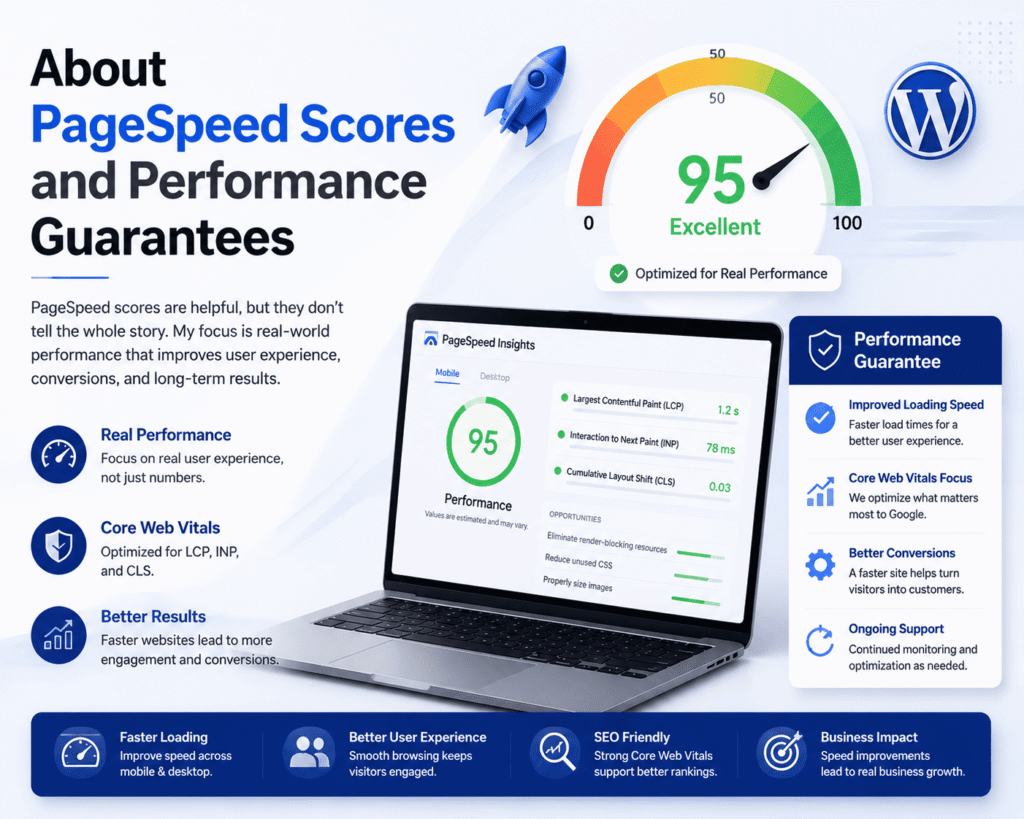
About PageSpeed Scores and Performance Guarantees
I aim to achieve the best practical results your website can support, but I do not promise an artificial 100/100 PageSpeed score for every website.
Final results depend on your hosting, theme, plugins, third-party tools, advertising scripts, analytics, fonts, videos, and website functionality. An eCommerce website with payments and tracking will naturally behave differently from a simple static landing page.
My priority is meaningful improvement: faster real-world loading, better Core Web Vitals, stable functionality, and a smoother experience for your customers.
General Question
Most websites are optimized within 2 to 5 working days, depending on the size of the site, the number of plugins, and how deep the performance issues go. Larger WooCommerce stores or custom builds can take longer.
No honest developer can guarantee a specific score, because hosting, third-party scripts, and required features all affect the result. I aim for the best realistic score and, more importantly, a faster experience for your real visitors.
No. Optimization focuses on how your website loads, not how it looks. Every change is tested so your layouts, forms, and functionality stay exactly as they are.
Yes. In most cases your existing website can be made significantly faster without a rebuild. If the structure is the real problem, I tell you honestly and explain your options.
Yes. I optimize product pages, shop archives, cart and checkout, product filters, and WooCommerce background tasks while keeping the shopping and payment flow working correctly.
Only if it actually helps. Caching plugins are a useful tool, but real speed improvements usually come from fixing images, scripts, plugins, database bloat, and hosting configuration.
Yes. Slow servers increase response time on every page. If hosting is the bottleneck, I recommend practical upgrades or configuration changes that fit your budget.
Page speed and Core Web Vitals are part of Google’s ranking signals, and faster pages also reduce bounce rates and improve conversions. Speed alone won’t guarantee rankings, but it removes a real obstacle.
Frequently Asked Questions
Get answers to common questions about WordPress speed optimization, website performance improvements, PageSpeed scores, and how we help businesses create faster, smoother, and more reliable websites.
Ready to Speed Up Your WordPress Website?
Send me your website URL and tell me what feels slow. I will review the current setup, identify the main performance problems, and recommend the right next stepswithout unnecessary tools or a generic sales pitch.