
nawaz

WooCommerce Development

WooCommerce Development Services That Actually Sell

A store that’s technically online isn’t the same as a store that converts visitors into customers. Slow load times, a clunky checkout, or a product catalog that’s hard to browse will quietly cost you sales every day, even if the site “works.” I build and customize WooCommerce stores with that in mind from the start fast, easy to manage, and set up so the path from browsing to buying is as short as possible.

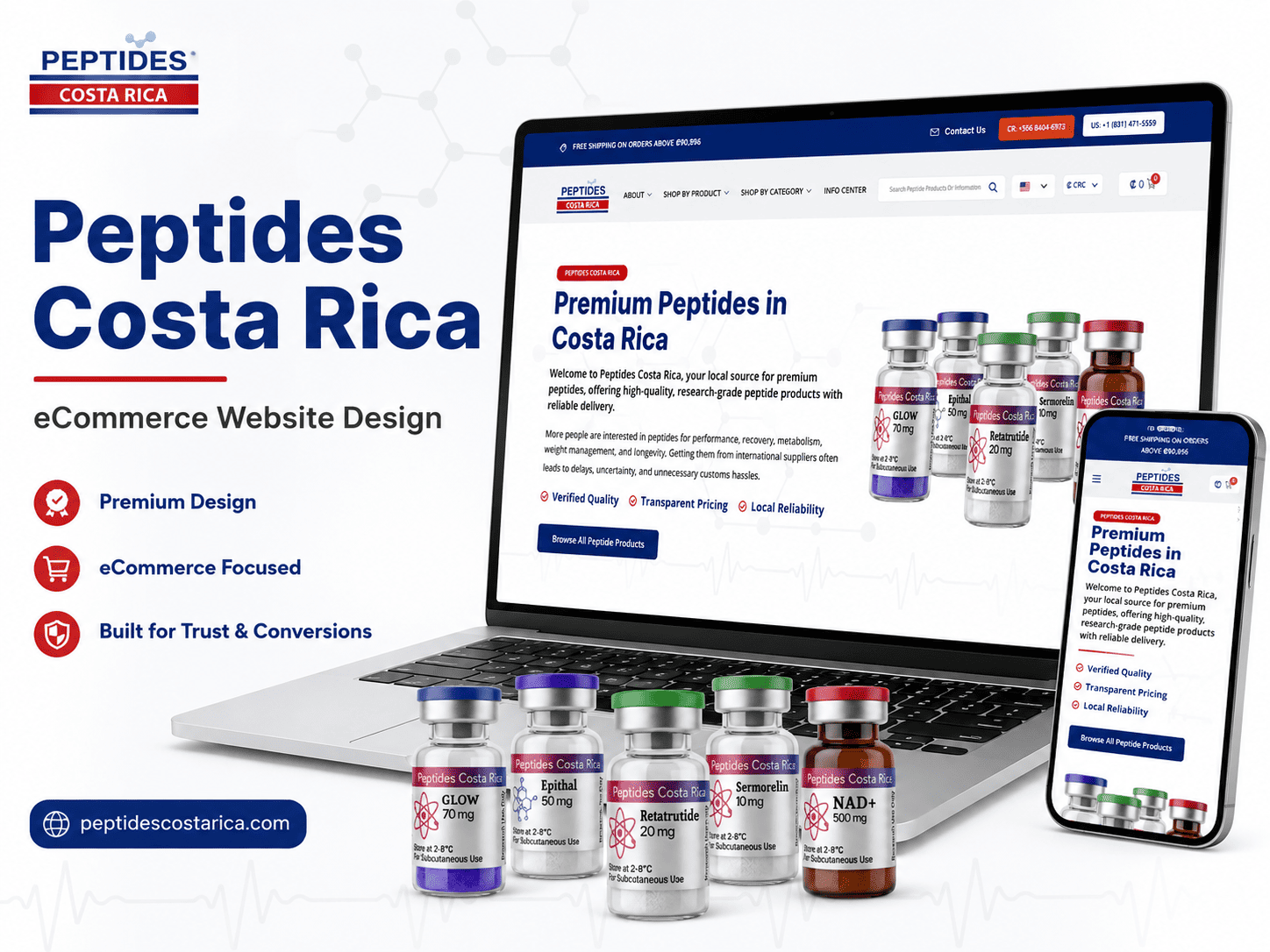
Premium Peptides in Costa Rica

What Our WooCommerce Service Includes

Store setup

Product catalog structure, categories, and a clean browsing experience built around how your customers actually shop, not a generic default layout.

Payment gateway

Stripe, PayPal, or suitable payment processors configured correctly to ensure smooth, secure transactionscheckout experience for your customers.

Shipping integration

Shipping rates, zones, and carrier connections configured around your business needs, supporting flat rate, or mixed shipping methods efficiently.

customization

Reducing checkout friction by simplifying steps and removing confusing fields that can cause customers to abandon carts before completing purchases.

Speed optimization

WooCommerce stores can become slow without proper setup, so I build with performance in mind from day one, avoiding later fixes.

SEO setup

Product pages, categories, and structure built to actually be found in search, not just look good once someone's already on the site.

WooCommerce vs. Shopify An Honest Comparison

This comes up in almost every eCommerce conversation, so here’s a straight answer instead of a sales pitch for one side.

Migrating From Shopify (or Another Platform) to WooCommerce

If you’re already running a store elsewhere and thinking about switching, migration is a real project  not just clicking “import”  but it’s very doable. Product data, images, customer records, and SEO rankings all need to move over carefully so you don’t lose ground during the switch. This is a common enough request that we have a clear process for it, not a one-off experiment.

Shopify

is a hosted platform it handles hosting, security, and updates for you, in exchange for a monthly fee for as long as your store exists. It's a solid choice if you want the absolute simplest setup and don't mind the ongoing cost or the platform's limits on customization.

WooCommerce

runs on WordPress, which means you own your store outright no monthly platform fee just to keep it running, and far more flexibility in how it's built and customized. The tradeoff is you (or your developer) are responsible for hosting and keeping things updated, which is exactly what this service handles for you.

The honest short version

if you want maximum simplicity and don't mind paying monthly indefinitely, Shopify is reasonable. If you want full ownership, more customization room, and lower long-term costs, WooCommerce is usually the better call — especially if you already have or plan to build content (blog, resources) alongside your store, since that's where WordPress has a real edge.

Fixing a Slow or Underperforming WooCommerce Store

If your store is already live but slow, or sales feel lower than they should be given your traffic, the issue is often fixable without a full rebuild

Speed issues

are frequently caused by unoptimized images, too many plugins, or hosting that isn’t suited for WooCommerce specifically

Poor product page performance

can come down to structure, missing SEO basics, or a catalog that’s hard to browse on mobile

Checkout drop-off

 is often a UX problem — too many fields, unclear shipping costs shown too late, or a confusing flow

Our Process

Discovery call

what you're selling, how you ship, how you take payments, and what's not working if you already have a store

Store design & structure

product catalog, categories, and page layout planned before development starts

Development & integration

WooCommerce build, payment gateway, and shipping set up and tested

Product & content setup

your actual products, images, and descriptions loaded in, not placeholders

Testing & launch

full checkout flow tested end to end, on both desktop and mobile, before going live

Support

ongoing help as you add products, run promotions, or need adjustments once you're actually selling

Question
Question

Frequently Asked Questions

Have questions before starting your custom WordPress website? Here are quick answers about pricing, timeline, ownership, updates, and the difference between a fully custom website and a customized template.

Yes. Plugin conflicts are one of the more common WordPress issues, and they're usually diagnosable and fixable faster than a full rebuild  often within the same day depending on the issue.

Often there's already a plugin that does what you need, and we'll tell you that honestly rather than pushing custom development you don't need. Custom makes sense when your requirements are specific enough that nothing existing fits cleanly.

A plugin adds specific functionality to your site (a form, a calculator, an integration). A page builder (like Elementor or Divi) is a tool for visually designing and laying out your pages. They're not competing tools  most page builder sites also use plugins for specific features.

 Usually, yes  as long as the foundation is reasonably sound, we can pick up where it was left off instead of starting completely over, which saves both time and cost.

Ready to Build a Store That Actually Converts?

Tell us what you’re selling and where you’re starting from  a new store or an existing one that needs work  and we’ll tell you honestly what it’ll take.